Google Says a Review Was Removed but It Is Still Visible
A removal email and a visible review can both be real if you are looking at different contributions, locations, accounts, or cached views. Verify the exact review before reopening the case.
Policy-based guidance, reviewed October 2026.
Quick answer
Open the direct review URL and check the Business Profile in Google Search, Google Maps, a signed-out browser, and another device. Compare the reviewer, text, rating, date, and location with the decision email. If the exact contribution remains public after reasonable time, preserve screenshots and contact Business Profile support with the review URL and decision details.
Confirm that the email names the same review
Businesses sometimes report several reviews at once. Match the reviewer name, text, rating, and Business Profile in the decision with the contribution still visible.
A similar review from the same person or another account can make a successful removal look incomplete.
Check Search, Maps, and the direct link
Google surfaces Business Profile content through several interfaces. Open the direct review link, the review list in Search, and the listing in Maps. Test a signed-out view so account personalization does not confuse the result.
Record which view still displays the contribution and when you checked it.
Removal verification checklist
- Google decision email and timestamp
- Direct URL of the reported review
- Business Profile URL and location name
- Reviewer, wording, rating, and date
- Signed-in and signed-out views
- Google Search and Google Maps views
- Duplicate or moved profile check
- Screenshot showing the current public visibility
Look for duplicate or nearby profiles
Businesses with moved, merged, practitioner, department, or duplicate profiles can have separate review sets. Verify the address, Place ID when available, and exact location named in the report.
A review removed from one profile may still exist on another legitimate or duplicate listing.
Rule out a repost
Compare the current direct URL and displayed date with the original evidence. A new date or URL may indicate that the reviewer posted again after the first contribution was removed.
Treat the current post as its own contribution and assess its present wording under Google policy.
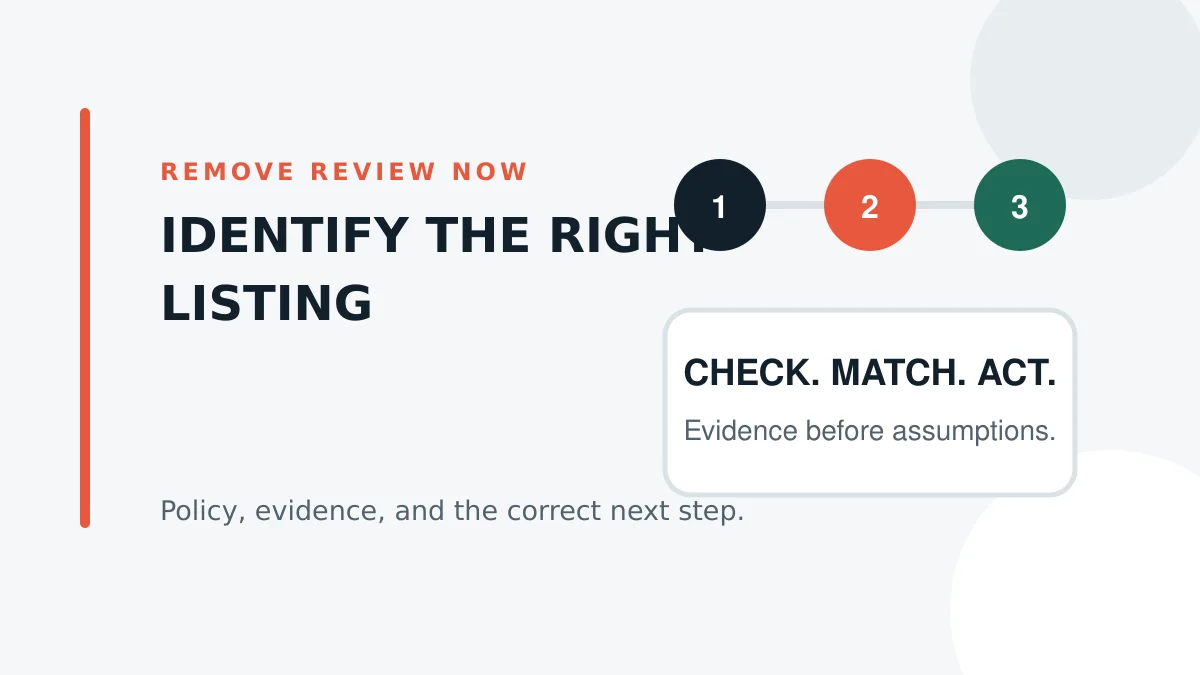
Allow for short display delays without promising a deadline
Different surfaces may not refresh at exactly the same moment. Recheck after a reasonable interval, but do not assume every discrepancy is a cache issue for days or weeks.
Keep a dated screenshot trail so support can see that the exact review remained publicly accessible.
Contact support with precise identifiers
Provide the Business Profile URL, direct review URL, decision email, reviewer name, decision date, and screenshots showing current visibility. Explain the mismatch in one short timeline.
Do not upload unrelated customer records or publish sensitive information in a public help thread.
Respond only if the review is truly public
If customers can still see the review, a calm reply may protect trust while the display issue is investigated. Do not reveal the moderation decision or accuse the reviewer of evasion.
If the review is not public, avoid creating a public dispute around content customers cannot see.
Frequently asked questions
Check the listing while signed out and from Maps or another device. A contribution visible only to its author is not necessarily public.
Yes. Historical evidence does not mean the review is still public. Test the live listing and direct URL.
Yes. Confirm the exact Business Profile, address, and location before reopening the case.
Preserve the new URL and date, then assess the current contribution as a new review.
No. Verify the exact review and use the current official status or support route.
Need a policy-based second look?
Send the review link and the facts you have. We will screen the case against Google policy and tell you when it appears worth pursuing.
Related Google review guides
Sources
Primary sources: Google Maps prohibited and restricted content policy and Google review reporting and appeal instructions. Policy wording and workflows were reviewed October 2026.