Can a Business Delete Google Reviews?
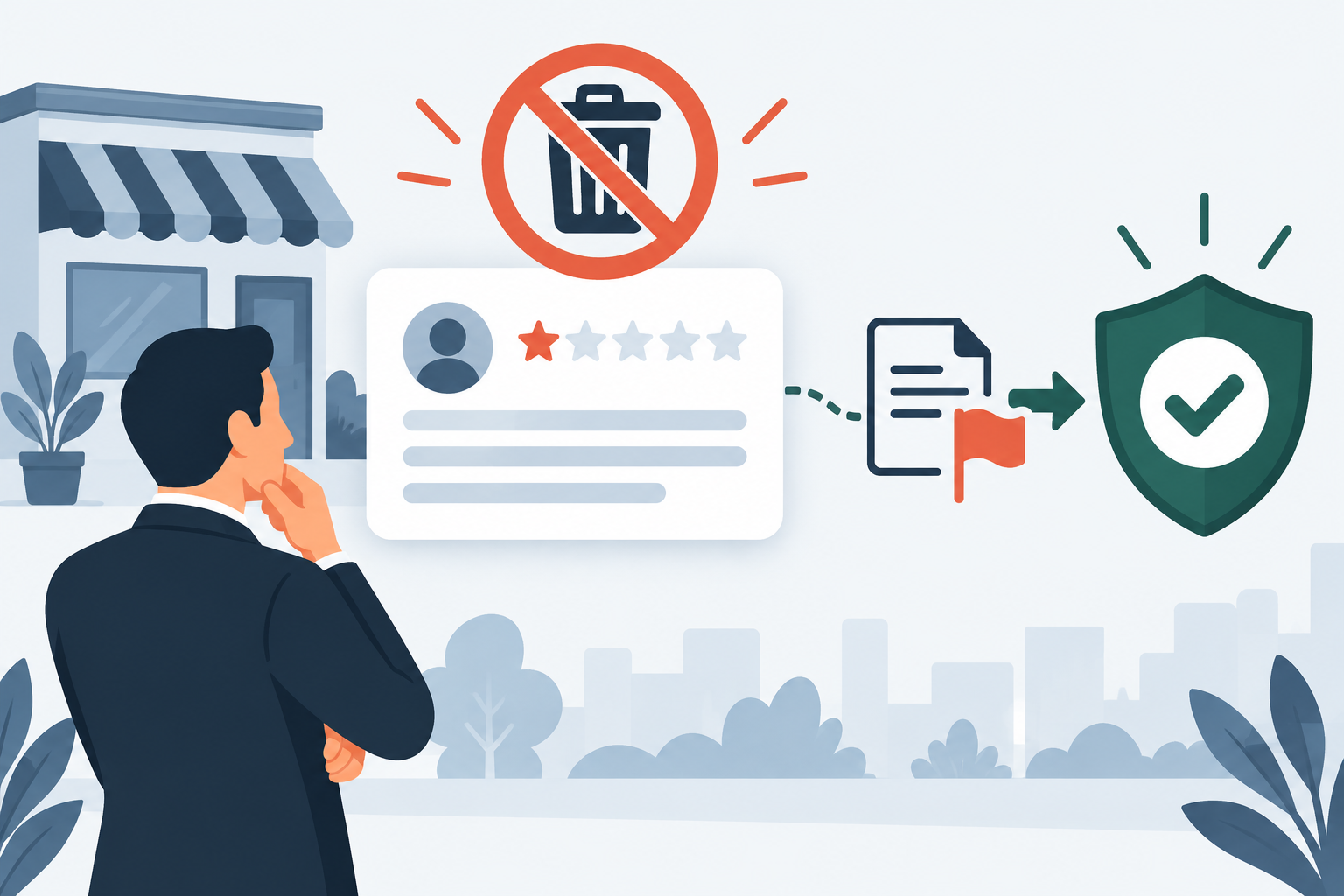
A business cannot press a private delete button on a customer review. The reviewer can edit or delete their own post, and Google can remove content that violates policy. Your job is to identify the rule, preserve the evidence, and use the correct review process.
Policy-based guidance, reviewed October 2026.
Quick answer
No. A business cannot directly delete a Google review from its profile. You can report a review for a specific policy violation, track Google’s decision, and use the available appeal if the first decision is unfavorable. A negative opinion that follows policy can remain visible.
Who can actually remove a Google review?
There are two ordinary routes. The person who posted the review can edit or delete it from their Google account. Google can also remove it after finding that it violates the Maps user-contributed content policy.
The business owner controls responses, profile details, and reporting. It does not control the review itself. That separation is intentional, even when it is about as welcome as a one-star review posted at 2 a.m.
Which reviews may qualify for removal?
Google says only reviews that violate policy are eligible for removal. Relevant categories may include fake engagement, conflicts of interest, harassment, personal information, profanity, impersonation, or content unrelated to an actual experience.
Start with the narrowest accurate rule. “This is false” or “we disagree” is usually weaker than a report that identifies the exact sentence, the exact policy, and evidence showing why the rule applies. See our guide to competitor reviews for a conflict-of-interest example.
Evidence checklist
- Full screenshot with reviewer name, rating, date, and text
- Direct link to the review
- The exact policy category that may apply
- Short evidence tied to that specific rule
- A copy of the report status and decision
How to report a review correctly
Open the Reviews Management Tool or your Business Profile, select the review, and choose the reason that most closely matches the content. Save the direct review link and a full screenshot before submitting the report.
Google says review evaluation typically takes several days. Track the status instead of repeatedly sending the same report. If the decision says no policy violation, review the available appeal path and improve the evidence before using it.
What if the review is negative but allowed?
Do not try to manufacture a policy violation. Write a brief public response that acknowledges the concern, avoids private customer details, and offers a direct support channel. A calm answer can help future readers evaluate the exchange.
Continue requesting honest reviews from real customers without incentives or selective pressure. The goal is not to bury criticism with a review avalanche. It is to build a trustworthy profile while a valid policy case is reviewed.
When a free audit can help
A second look is useful when you are unsure whether the facts fit a policy category or whether an appeal is worth using. We screen the review and evidence before recommending a next step. If the review is merely unpleasant but allowed, we will say so.
Frequently asked questions
No. Business owners cannot hide an individual review. They can report policy violations and respond publicly.
Not by itself. Google evaluates whether the content violates policy, not whether the business agrees with the opinion.
Yes. The person who posted the review can edit or delete it through their Google account.
Google provides a one-time appeal for eligible review-removal decisions through the Reviews Management Tool.
Need a policy-based second look?
Send us the review link and the evidence you already have. We will tell you whether the case appears worth pursuing before you spend more time on it.
Related Google review guides
Fake or competitor reviews | How many reports it takes | Appeal a rejected request | Personal information reviews
How to remove a fake Google review
How long Google takes to remove a review
Can you hire someone to remove Google reviews?
See 17 reasons Google may remove a review | Can you turn off Google reviews? | Does deleting a Business Profile remove reviews?
Sources
Primary sources: Google’s review reporting instructions, Reviews Management Tool, and Google Maps content policy.
Continue with the next step
Use the guide that matches the current status or the evidence you can actually prove.
Turn Off Google Reviews
What profile owners can actually control.
Remove a Fake Review
Use the correct evidence and reporting order.
How Long Removal Takes
What to expect after submitting a report.